Shipping PDF in.
4×6 label out.
Your label came as a full page with a packing slip under it, and your thermal printer takes 4×6. Croplaser finds the label and fits it, ready to print.
Download on the App Store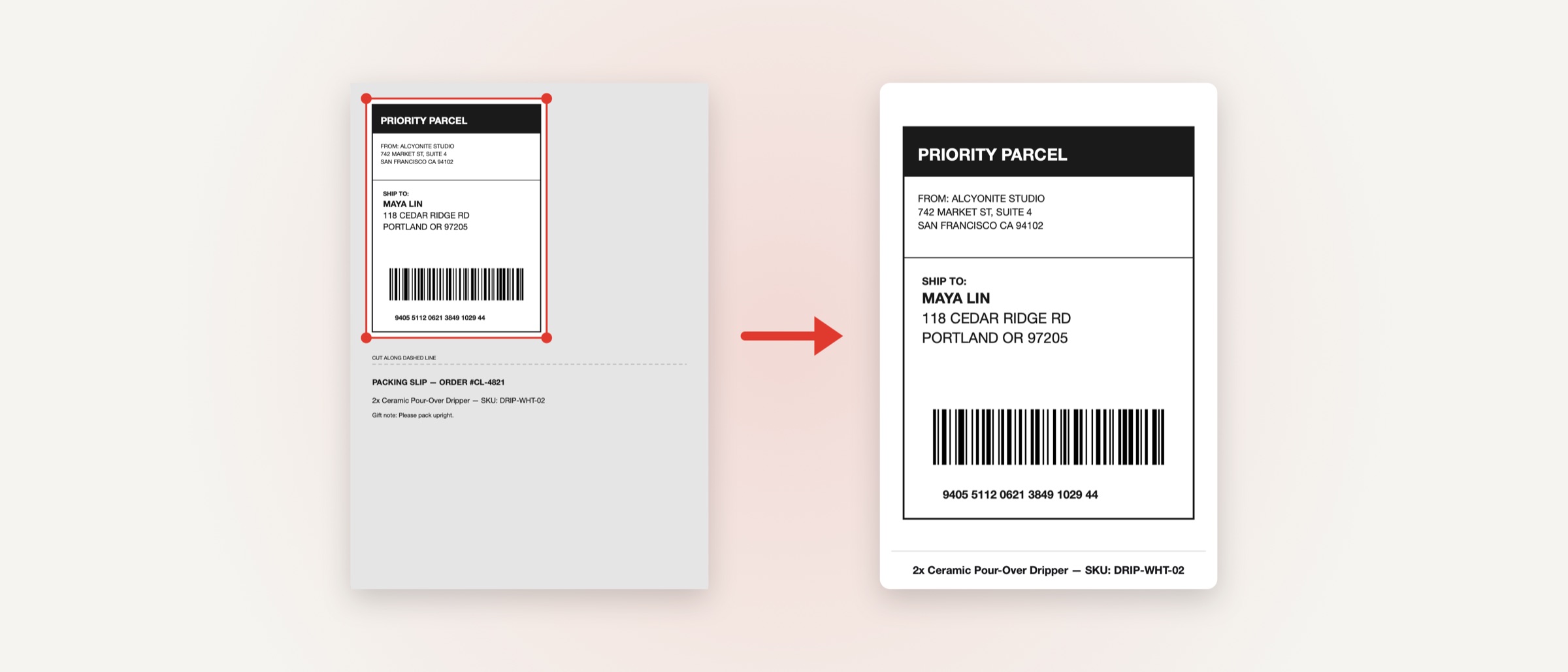
Open the PDF, check it, print.
Open it from Mail, Files or Photos. Croplaser finds the label by its barcode and text, leaves the packing slip out and turns sideways labels upright.
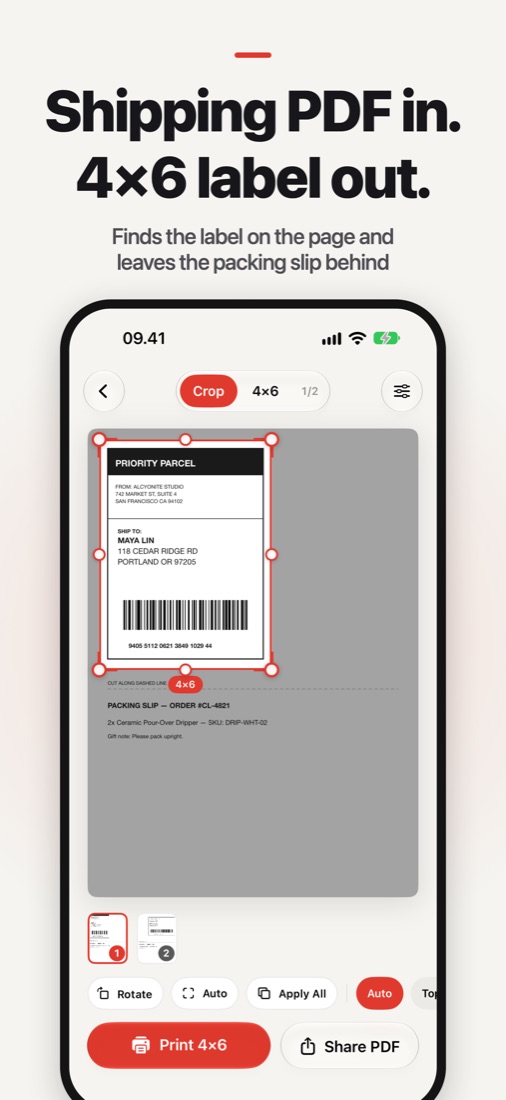
The label is found for you. Drag the corners if you want a different crop.
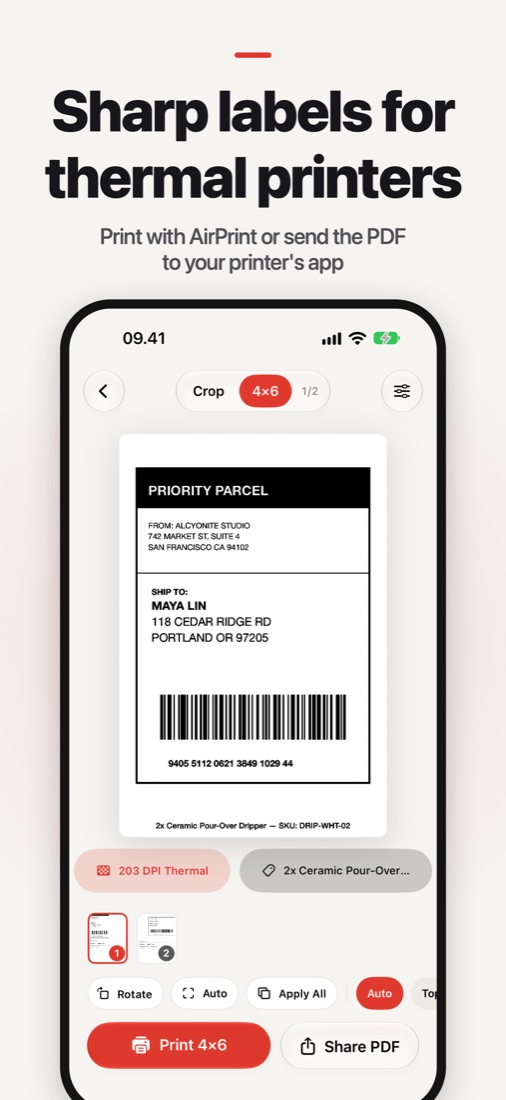
See the finished 4×6 label, and how it looks on a 203 DPI thermal printer.
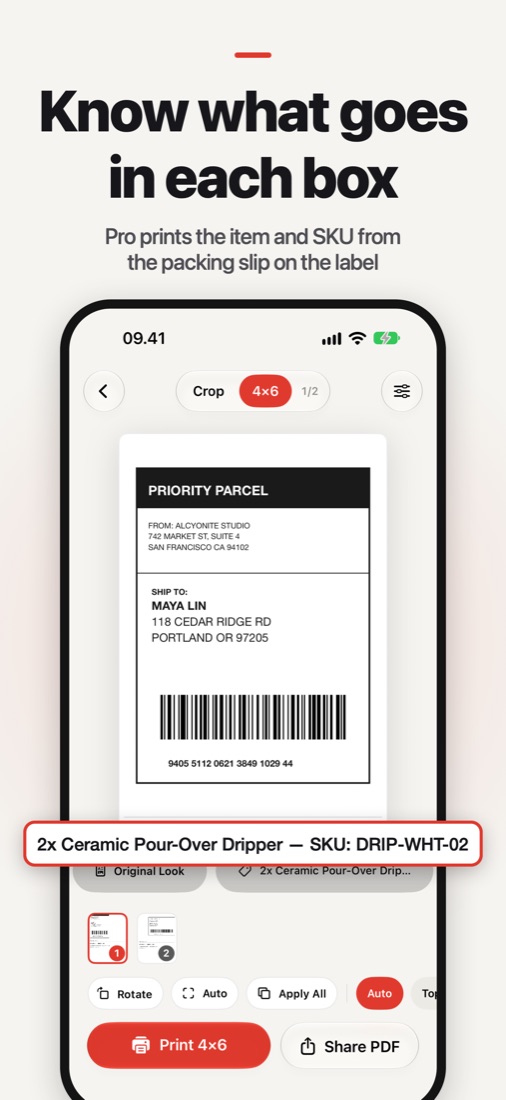
With Pro, the item and SKU from the packing slip go on the label.
Sharp barcodes
The label is cut from the PDF itself, so it scans like the original.
Your label size
4×6 in, 100×150 mm, 4×4 in or A6. Print with AirPrint or share the PDF to your printer's app.
Works offline
Your PDFs stay on your iPhone or iPad. There's no account.
Croplaser is free for single labels, up to 3 a day. Croplaser Pro adds batches, 2-up and 4-up pages, the order note and saved presets: $14.99 a year with a 14-day free trial, or $29.99 once.